Why is my Wi-Fi slow?
Slow internet has three usual places to hide: the Wi-Fi link between your device and the router, the connection from the router out to your internet provider, and DNS, the lookup that turns a site name into an address. Each one shows up differently, and a speed test alone cannot tell them apart. Timing each part separately tells you whether to move the router, call the provider, or change a setting.
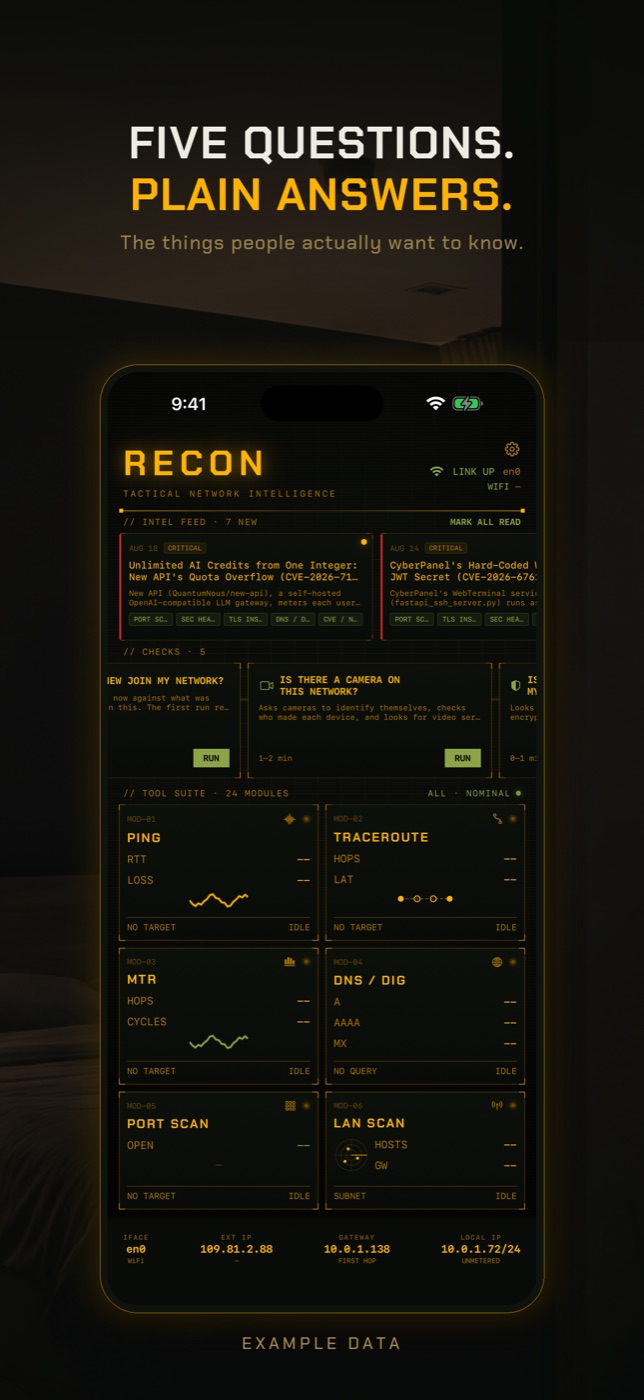
RECON's Slow Internet Check times each part of the path separately and says which part looks wrong. It localises the problem; it does not claim to know the cause.
- Stand where the internet feels slow and tap RUN on Slow Internet Check in the checks row. It takes 25 to 45 seconds.
- It pings your router five times and reports the median time and any loss. A slow or lossy answer from your own router points at the Wi-Fi link or the router, not your provider.
- It pings a public internet host (1.1.1.1) and compares that with the router time, so it can say whether most of the delay is local or beyond your router.
- It times a DNS lookup through two public resolvers, Cloudflare and Google, and flags lookups slow enough to make pages hang, then measures download speed over a few seconds.
- Read what was not checked as well: Wi-Fi signal strength and channel congestion are not available to apps on iOS, and upload speed is not measured. For deeper digging, use Ping, Traceroute or MTR on the address that looked slow.
Your device to the router: the Wi-Fi link
This is the part inside your home and the most common cause of slow Wi-Fi. A device a few metres from the router with nothing in between should reach it in a few milliseconds. Walls, floors, mirrors, fish tanks, microwaves and distance all weaken the signal, and a weak signal means the connection slows down and resends data. Neighbouring networks on the same channel compete for airtime, which is why a flat in a busy building can be slow at 8pm and fine at 8am.
It shows up as a high or jumpy time to reach your own router, lost pings to the router, and a speed that changes a lot when you move rooms. If only one device is slow, the answer is almost always here: that device is further away, has an older Wi-Fi chip, is stuck on the 2.4 GHz band, or is busy with an update or a cloud backup.
The router to your internet provider
Past the router, your traffic goes over the line to your provider and on across the internet. Congestion in the provider's network in the evening, a fault on the line, a plan slower than you think you are paying for, or an overloaded router can all slow things down here, and none of it is fixed by moving closer to the router.
It shows up as a quick answer from your router but a slow one from anything on the internet, packet loss to internet hosts, and every device in the house being slow at the same time, wired or wireless. Packet loss matters more than raw delay for how slow things feel, because lost data causes stalls, buffering and dropped video calls rather than a steady lag.
DNS: when pages are slow to start
Before your phone can load a page it has to look up the address for the site's name. If the resolver that does this is slow, every page waits before anything starts to load, even when the download speed is fine. A slow or overloaded provider resolver is a surprisingly common cause of internet that feels slow but tests fast.
It shows up as pages that hang on a blank screen for a moment and then load quickly, while speed tests and streaming look normal. Changing to a faster public resolver can fix it without touching anything else.
Other things that make Wi-Fi slow
Everyone else on the network shares the same connection. A game download, a 4K stream, a cloud photo backup or a camera uploading video can take most of the capacity. A device you do not recognise could also be using it, which you can check with the guide on who is on your Wi-Fi.
The 2.4 GHz band reaches further and goes through walls better but is slower and crowded; the 5 GHz band is faster but shorter range. Routers that combine both under one name decide for your device, and sometimes decide badly. Old routers, especially ones supplied by providers years ago, may simply not keep up with a modern plan. Restarting the router clears some faults, which is why it is the first thing support lines ask.
How to check without an app
You can narrow down slow internet with a laptop, a second device and a few minutes.
- Run a speed test on two devices in the same spot. If both are slow, the problem is shared: the router, the line or the provider. If only one is slow, look at that device.
- Ping the router from a laptop. Open Terminal on a Mac or Command Prompt on Windows and type ping 192.168.1.1 (use your router's address). A few milliseconds is healthy; tens of milliseconds or lost replies point at the Wi-Fi link. Then ping 1.1.1.1 and compare.
- Plug a laptop into the router with a cable and test again. If the wired test is fast and Wi-Fi is slow, the problem is Wi-Fi, not your provider.
- Change DNS to test it. On iPhone go to Settings, Wi-Fi, the info button next to your network, Configure DNS, Manual, and add a public resolver such as 1.1.1.1. Compare resolvers with the DNS benchmark tool.
- Check who else is on the network and what they are doing. A backup, a download or an unknown device can take most of the capacity.
- Move closer to the router or put your device on the 5 GHz network if the router offers it separately. In a crowded building, try a different channel in the router's settings.
- Check your provider's status page or app for outages in your area before spending an evening on your own equipment, and restart the router once.
What this cannot tell you
A test from a phone is a measurement of one path at one moment. That is useful and it is easy to over-read.
- It measures from one device, in one place, at one moment. Evening congestion, a neighbour's new router on your channel or a backup that finished a minute ago will not show if they are not happening while you test.
- A slow result on a phone at the far end of the flat is a Wi-Fi problem, not an internet provider problem. Run the check next to the router before calling your provider, or you will be describing your walls to them.
- It cannot see inside your provider's network beyond the first hop. It can tell you the delay is past your router; it cannot tell you whether it is the line, the local exchange or a congested link further on.
- iOS does not let apps read Wi-Fi signal strength or channel congestion, so the check infers a weak link from response times rather than measuring the signal.
- The DNS timing uses public resolvers, so a slow resolver handed out by your own router or provider is not directly measured. If pages hang but everything else looks fine, test your current resolver with the DNS benchmark tool.
- It does not measure upload speed, and one short download sample is not a sustained rate. It does not see what other devices on the network are using.
Why is my Wi-Fi so slow all of a sudden?
Common causes are another device downloading or backing up, a neighbour's network on the same channel, a router that needs a restart, or an outage at your provider. Test next to the router and on a second device to find which.
How do I fix slow Wi-Fi?
Find where the delay is first. If the router itself is slow to answer, move closer, reduce obstructions, use 5 GHz or add a mesh point. If the router is fast but the internet is slow, restart it and contact your provider. If only page loading is slow, try a different DNS resolver.
Why is my Wi-Fi slow on one device only?
It is almost always the device: distance from the router, an older Wi-Fi chip, being stuck on 2.4 GHz, or a background update or backup. Forgetting and rejoining the network, and restarting the device, fixes it more often than router changes.
Why is my internet slow when the speed test is fast?
Speed tests measure throughput to a nearby server. Slow DNS lookups, packet loss or high latency make browsing and video calls feel slow while the test number looks fine.
Is 5 GHz or 2.4 GHz better?
5 GHz is faster and less crowded but has shorter range and goes through walls less well. 2.4 GHz reaches further but is slower and shared with more neighbours and devices. Near the router, use 5 GHz.
Does changing DNS make internet faster?
It makes pages start loading sooner if your current resolver is slow. It does not raise your download speed. Compare resolvers before switching.
How do I know if it is my router or my internet provider?
Time the router and an internet host separately. If the router answers quickly and the internet does not, especially on a wired connection, the delay is past your router and is your provider's to look at.
Everything above that needs a scan, the app does in one tap on the Wi-Fi you are on, and it says what it could not see. Get RECON for iPhone — one-time purchase, no account, nothing leaves the device.